 ICE CLASH
Small snowballs.
Big moments.
Make every shot a story.
Bring your friends. Your next comeback starts here.
Fresh from
the snowfield.
Before you head out,
get up to speed.
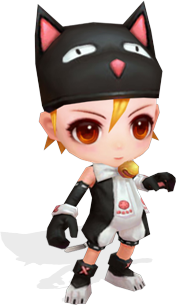
Cute looks.
Serious skills.
Find your snowfield partner.
Bring your signature skills and make every match your own.
Meow
One snowfield.
So many stories.
Go solo or bring your friends.
Pick a mode and make your moment.
Three steps.
One new adventure.
New here? You’re in the right place.
Let’s get you ready.
- 01
Make it your account
Register here and use the same credentials in the game. Already have a game account? Just sign in.
- 02
Download and get ready
Run the Windows installer. Open ICE CLASH from your desktop: updates are checked automatically before the login screen.
Download game↗ - 03
Make the arena yours
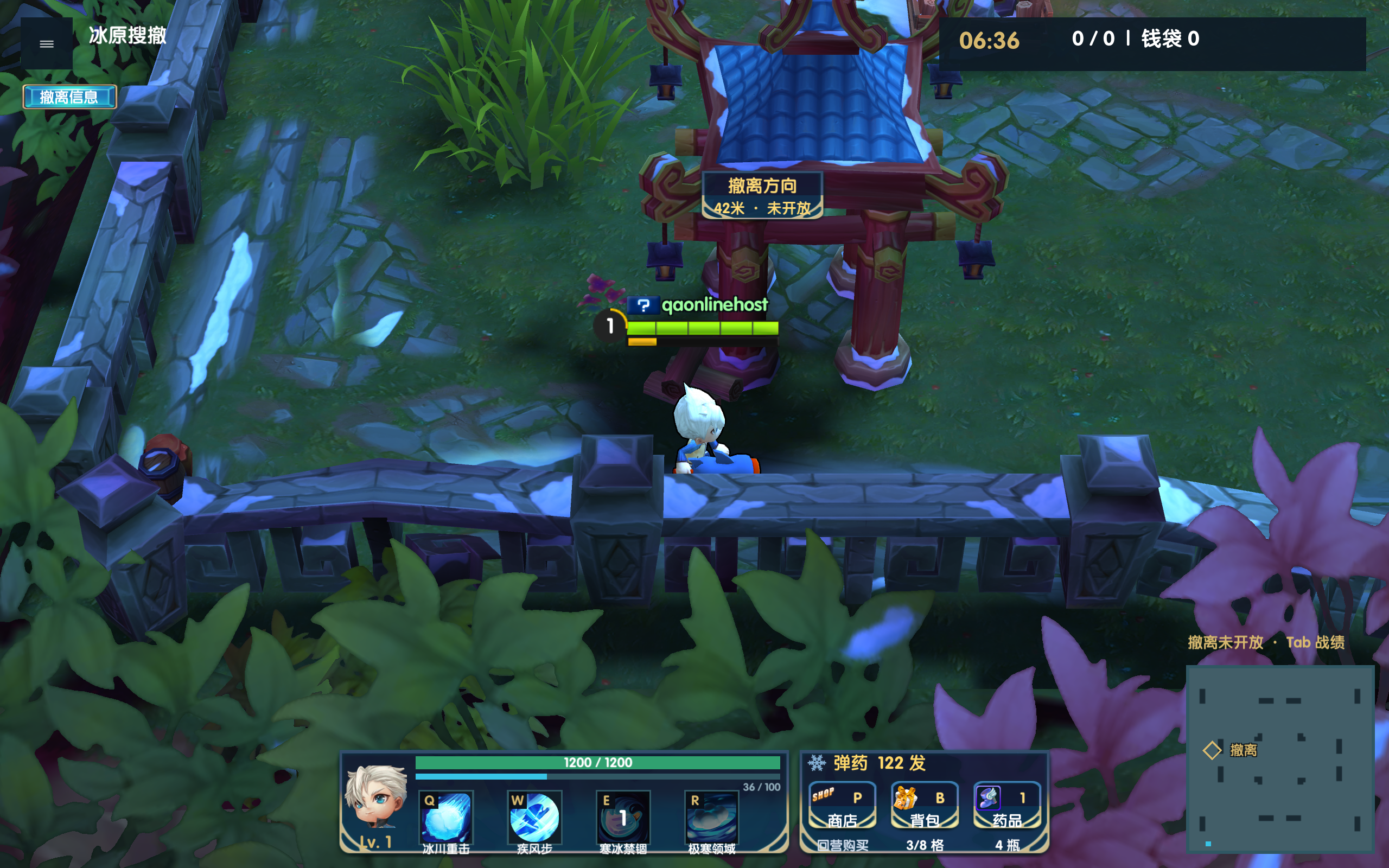
Right-click to move, left-click to throw. Use Q, W, E and R for skills and find your rhythm with friends.
The snow is ready.
Are you?
Your next great match starts with one click.
Checking the latest installer…
Installation & file verification
Run the downloaded EXE and follow the installation steps. Open ICE CLASH from your desktop to check updates and enter the game automatically. Keep your internet connection active while updating.
SHA-256Reading…A few things
before you go.
Is my website account the same as my game account?+
Yes. Register here and sign in to the game with the same credentials. Existing game accounts work here too; you do not need another account.
Which devices can I play on?+
The game is available for 64-bit Windows PCs. You can browse this website on a phone, but the game must be installed on Windows.
How do I start after downloading?+
Install the EXE, then open ICE CLASH from your desktop. It checks for updates automatically and takes you to the game’s login screen.
How do I invite friends?+
Add friends by nickname or UID in the game, then invite them to a squad. Solo play needs no invitation; friend squads support up to three people.
What if I forget my password?+
Email and SMS recovery are not available yet. Keep your account details safe. Contact the game administrator for ownership verification if you need help; never share your password with other players.